¡Vamos con el #11!
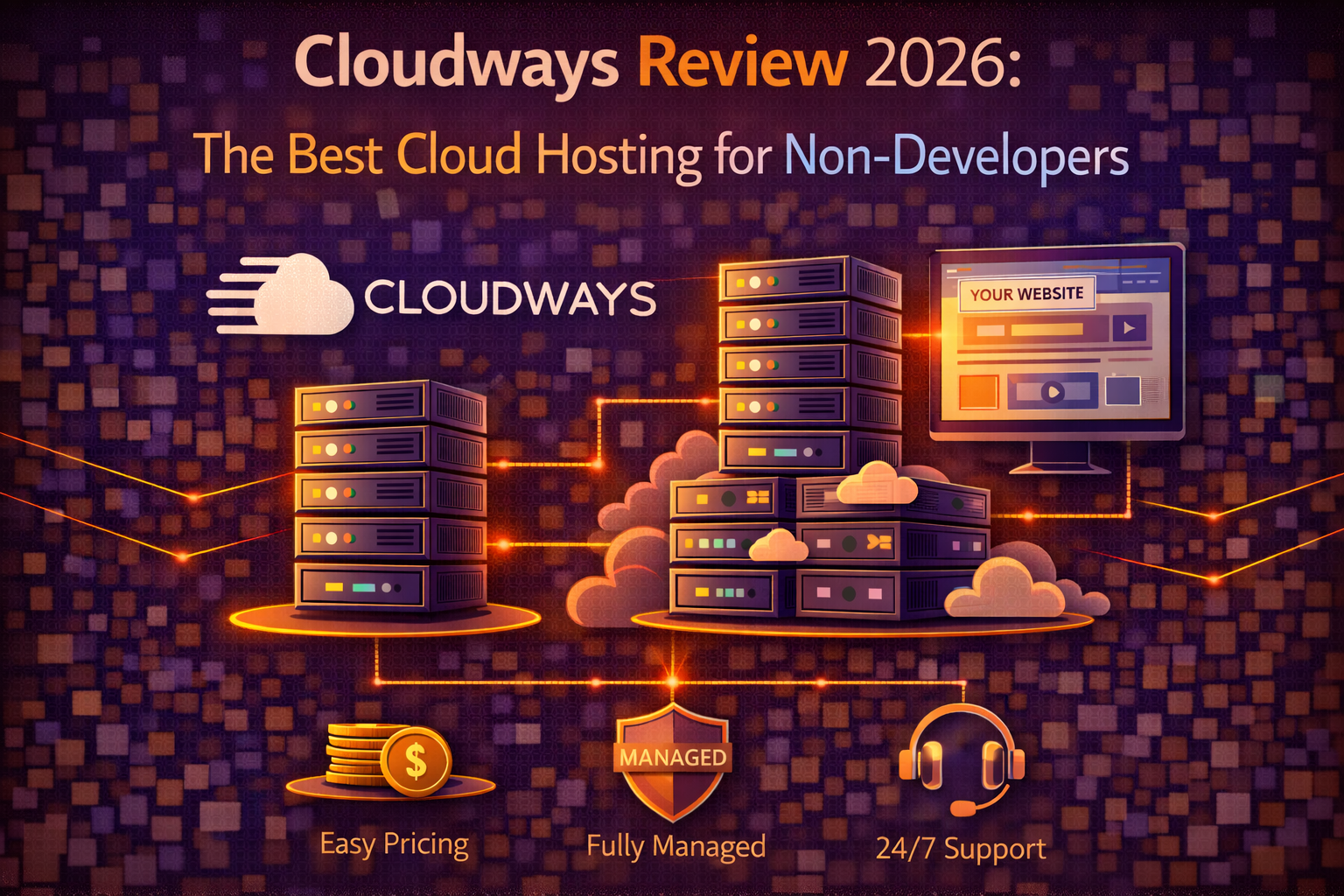
Cloudways Review 2026: The Best Cloud Hosting for Non-Developers
Web Hosting & Website Building · March 2026 · 10 min read
Cloudways exists to solve a specific problem that the hosting market had left largely unaddressed for years. Cloud infrastructure from providers like DigitalOcean, AWS, and Google Cloud delivers meaningfully better performance and reliability than traditional shared hosting — but accessing that infrastructure directly requires server administration knowledge that most website owners don’t have and don’t want to acquire. Cloudways sits between the infrastructure and the user, providing a managed layer that makes genuine cloud hosting accessible without requiring you to know what a LAMP stack is or how to configure Nginx.
The result is a hosting experience that’s technically more sophisticated than shared hosting in ways that produce real performance and reliability benefits, wrapped in an interface that non-developers can navigate without a systems administration background. Whether that combination justifies Cloudways’ pricing and complexity relative to managed shared hosting and managed WordPress hosting alternatives is the question this review answers directly.
What Cloudways Actually Is and How It Differs From Traditional Hosting
Understanding Cloudways requires understanding the distinction between infrastructure providers and managed hosting platforms, because Cloudways is the latter rather than the former — and the distinction matters for understanding both what you’re getting and what you’re paying for.
Infrastructure providers — DigitalOcean, AWS, Google Cloud, Linode, Vultr — sell raw server capacity. When you provision a server directly from DigitalOcean, you get a virtual machine with an operating system and root access. Everything that turns that virtual machine into a functioning web server — installing and configuring the web server software, the database, PHP, security tools, and monitoring — is your responsibility. This is powerful and cost-effective for developers who know what they’re doing and time-consuming and technically demanding for everyone else.
Cloudways takes that raw infrastructure and adds a managed layer that handles the server configuration and maintenance automatically. When you create a server on Cloudways, it provisions the underlying infrastructure from your chosen cloud provider and configures the full web server stack — Nginx or Apache, MySQL or MariaDB, PHP, Redis, Varnish — in a configuration optimized for WordPress or whichever application you’re running. The Cloudways platform manages security patches, server monitoring, and infrastructure maintenance on your behalf, while giving you access to your server environment through a dashboard that doesn’t require command-line knowledge to use effectively.
The practical experience of using Cloudways is therefore different from both traditional shared hosting and raw cloud infrastructure. You have more control and more transparency into your server environment than shared hosting provides — you can see your server’s resource usage, configure PHP settings, manage multiple applications on a single server — while avoiding the server administration burden that raw cloud infrastructure requires.
Performance: The Cloud Infrastructure Advantage
The performance case for Cloudways comes down to a fundamental architectural difference from shared hosting. On shared hosting, your website’s performance is affected by every other website on the same physical server — resource contention, the bad neighbor effect, and the limitations of server configurations optimized for the average use case rather than your specific application. On Cloudways, your server is a dedicated virtual machine with resources allocated exclusively to you, running on cloud infrastructure designed for reliability and scalability.
Independent performance testing of Cloudways consistently shows server response times in the 100 to 200 millisecond range — among the fastest in any hosting category and faster than most managed WordPress hosts including WP Engine in some testing scenarios. The specific performance depends on which underlying cloud provider you choose and the server size you provision, but even entry-level Cloudways configurations on DigitalOcean outperform most shared hosting in server response time benchmarks.
The choice of underlying cloud provider available on Cloudways — DigitalOcean, AWS, Google Cloud, Linode, Vultr, and Cloudways’ own infrastructure — is a genuine differentiator that allows you to match the infrastructure to your audience’s geography. Selecting Google Cloud for a European audience, AWS for a US audience, or DigitalOcean for a cost-sensitive configuration gives you control over the performance-cost trade-off that traditional hosting doesn’t offer.
Cloudways includes their built-in CDN — Cloudflare Enterprise CDN integrated directly into the platform — on all plans since their CDN add-on became standard. This CDN caches static assets at edge locations worldwide, reducing the load on your origin server and delivering content faster to visitors regardless of their geographic distance from your server. The Cloudflare Enterprise CDN that Cloudways provides is a significantly better CDN than the free Cloudflare tier that most hosting users have access to independently, with more edge locations and higher performance.
The ThunderStack — Cloudways’ name for their server optimization stack — combines Nginx, Apache, Varnish, Redis, and Memcached in a configuration designed to maximize WordPress performance. Varnish handles full-page caching at the server level, Redis handles object caching for WordPress database queries, and the combination produces page load speeds that approach managed WordPress host performance at infrastructure costs closer to VPS pricing.
The Cloudways Dashboard: Navigating the Complexity
The Cloudways dashboard is where the product’s complexity and accessibility tension is most visible. It’s more sophisticated than cPanel or hPanel — there are more settings, more options, and more transparency into the server environment than beginner-oriented control panels provide. It’s also significantly more accessible than raw server management — you can accomplish most common tasks through the graphical interface without touching the command line.
The application management section of the dashboard handles the most common website management tasks — creating new WordPress installations, managing SSL certificates, setting up staging environments, configuring caching, managing domain connections, and monitoring application performance. For these tasks, the Cloudways interface is intuitive enough that non-technical users can work through them with reasonable confidence.
The server management section is where the complexity increases. Server-level settings — PHP configuration, MySQL settings, security hardening options, server monitoring and alerts — are accessible through the dashboard but require more context to use correctly than application-level settings. Cloudways’ documentation covers these areas well, and most users in non-developer scenarios can avoid the server management section entirely for routine operations. The settings that matter most are configured automatically during provisioning, and the application management section handles the day-to-day operations that most users actually perform.
The staging environment that Cloudways provides through the dashboard is one of the most capable available outside of dedicated managed WordPress hosts. Creating a staging clone of a live application, making and testing changes, and pushing those changes to production is a clean workflow in the Cloudways interface that doesn’t require developer knowledge to execute. For non-technical users managing WordPress sites who want staging capability without paying managed WordPress host prices, this is one of Cloudways’ clearest value propositions.
Pricing: The Model That’s Different From Everything Else
Cloudways’ pricing model is fundamentally different from traditional hosting pricing, and understanding the difference is essential to evaluating whether it fits your budget and usage pattern.
Traditional hosting pricing is fixed — you pay a set monthly fee for a specific plan regardless of how much of the allocated resources you use. Cloudways pricing is based on the server you provision — specifically, the cloud provider you choose and the server size — plus a flat platform fee that Cloudways adds on top of the infrastructure cost. The infrastructure cost varies by cloud provider and server configuration; the Cloudways platform fee adds a margin on top.
Entry-level Cloudways configurations start at around $14 per month for a DigitalOcean-based server with 1GB of RAM and 25GB of storage. This is the minimum viable configuration for a single WordPress site with low to moderate traffic. A more practical configuration for a growing site — 2GB of RAM, 50GB of storage — runs around $28 per month on DigitalOcean. AWS and Google Cloud configurations cost more than DigitalOcean for equivalent specifications, reflecting the premium infrastructure costs of those providers.
The lack of introductory discounts at Cloudways is actually a positive feature of their pricing model compared to traditional hosting. What you see on the pricing page is what you pay — there’s no promotional rate followed by a renewal rate shock. The $14 per month entry configuration costs $14 per month in month one and $14 per month in month three years later. For users who have been burned by hosting renewal pricing, this consistency is genuinely refreshing.
The consumption-based element of Cloudways pricing — where hosting additional applications on the same server doesn’t increase the base cost, only the resource configuration you provision — makes it particularly cost-effective for users managing multiple websites. Adding a second or third WordPress site to an existing Cloudways server costs nothing in terms of the server fee, only the additional server resources consumed. For developers and agencies managing multiple client sites, the per-site cost on Cloudways drops significantly as the number of sites on a single server increases.
Security and Backups: Solid but Requiring Attention
Cloudways handles server-level security automatically — operating system patches, security updates, and the infrastructure-level protections that come with running on major cloud provider networks. The managed security at the server level means you’re not responsible for keeping the underlying infrastructure patched and updated, which is one of the primary risks of unmanaged VPS hosting.
Automated backups are available on Cloudways with configurable frequency — daily, twice daily, or weekly — and retention periods of up to four weeks depending on the backup frequency selected. The backup restoration process through the dashboard is straightforward, and Cloudways stores backups offsite from the primary server location, which means a server-level incident doesn’t compromise the backup copies.
The backup situation has one important nuance worth noting. Cloudways backups are managed at the application level — they back up the WordPress files and database for each application on your server. They do not include server-level snapshots by default, though snapshot functionality is available separately. For most WordPress users, application-level backups are what matters and what Cloudways provides well. For users with more complex server configurations, understanding the difference between application backups and server snapshots is worth time before relying on the backup system.
Free SSL through Let’s Encrypt is included and manageable through the dashboard. The SSL configuration on Cloudways uses current security standards and the renewal process is automatic, handled by the platform rather than requiring manual intervention.
Cloudways does not include a web application firewall in their default configuration — this is a gap relative to managed WordPress hosts that include WAF protection by default. Cloudflare’s WAF is available through the Cloudflare integration, and configuring it through the Cloudways dashboard is accessible enough for non-developers, but it requires deliberate setup rather than being included automatically.
Who Cloudways Is Right For
Cloudways delivers its strongest value for a specific type of user that sits between beginner and developer — someone who has some technical comfort, manages one or more WordPress sites that have outgrown shared hosting, and wants the performance and reliability of cloud infrastructure without the server administration burden of unmanaged VPS.
For agencies managing multiple client WordPress sites, Cloudways’ ability to host multiple applications on a single server at a single monthly cost produces per-site economics that are better than managed WordPress hosts by a significant margin. An agency hosting ten client sites on a $56 per month Cloudways server — a 4GB RAM DigitalOcean configuration — pays $5.60 per site per month for cloud infrastructure performance. WP Engine’s per-site pricing at the Growth plan level works out to $11.50 per site per month.
For growing WordPress sites that have hit the performance ceiling of shared hosting but can’t justify managed WordPress hosting costs, Cloudways’ entry configurations deliver meaningful performance improvements at prices that bridge the gap. Moving a WordPress site from shared hosting to a $14 per month Cloudways DigitalOcean server typically produces server response time improvements of 40 to 60 percent based on independent testing — a significant performance upgrade for less than the cost of SiteGround’s GrowBig renewal.
Cloudways is not the right choice for absolute beginners who want the simplest possible path to a working website. The setup process is more involved than traditional shared hosting, and the dashboard complexity requires more context to navigate confidently than cPanel or hPanel. For beginners, Hostinger or SiteGround provide a better-matched experience. For users who have some hosting experience and are ready for something more capable, Cloudways is the step up that makes the most sense.
Takeaways
Cloudways occupies a genuinely useful position in the hosting market — it makes cloud infrastructure accessible to non-developers in a way that produces real performance and reliability benefits over shared hosting, at pricing that’s more straightforward and often more cost-effective than managed WordPress alternatives. The complexity trade-off is real but manageable for users with basic technical comfort, and the performance advantages are consistent enough across independent testing to validate the product’s core value proposition.
For the right user — someone with existing sites that have outgrown shared hosting, some technical comfort, and either multiple sites to host or a budget for quality cloud infrastructure — Cloudways is the best value in its category. For beginners or users who want the simplest possible experience above all else, the complexity makes it the wrong fit regardless of the performance benefits.
→ Related: The Best AI Automation Tools for Small Businesses in 2026 (Zapier, Make, and More)
→ Also worth reading: The Best Web Hosting for Small Businesses in 2026
Currently on shared hosting and wondering whether the migration to Cloudways would produce noticeable improvements for your specific site, or trying to decide between Cloudways and a managed WordPress host for a growing site? Leave a comment with your traffic level, current host, and budget and we’ll give you a direct recommendation.
Leave a Reply