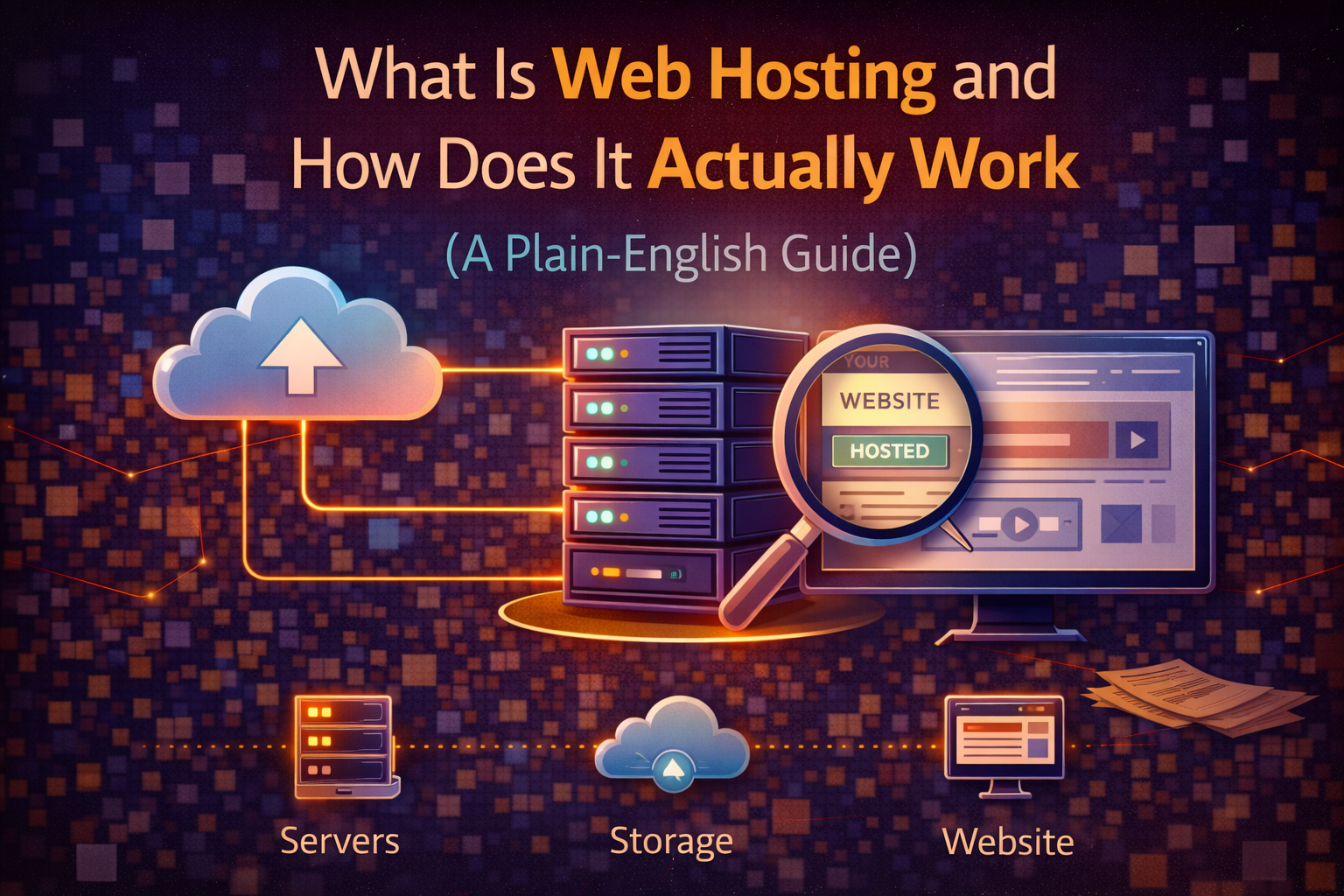
If you’ve ever tried to understand web hosting and walked away more confused than when you started, you’re not alone. Most explanations either drown you in technical jargon or oversimplify things to the point where the explanation isn’t actually useful. This guide aims to do neither — it explains what web hosting is, how it works, and why it matters for your website in plain language that doesn’t require a computer science degree to follow.
By the end of this post you’ll understand exactly what you’re paying for when you buy a hosting plan, why your choice of host affects your website’s speed and reliability, and what questions to ask before signing up for anything.
The Simplest Possible Explanation
Think of the internet as a massive city and websites as buildings in that city. If you want a building to exist in the city, it needs to sit on a piece of land. Web hosting is that land — it’s the physical space where your website’s files live so that other people can visit them.
More specifically, your website is made up of files — HTML documents, images, videos, databases, code — and those files need to be stored somewhere that’s connected to the internet around the clock. That somewhere is a web server, which is essentially a powerful computer that runs continuously, stores your files, and delivers them to anyone who types your address into a browser.
When someone visits your website, their browser sends a request to the server where your files are stored. The server receives that request, finds the right files, and sends them back to the browser, which assembles them into the page the visitor sees. This entire process typically happens in under a second when everything is working properly — which is why the quality of your hosting directly affects how fast your site loads.
Web hosting is the service that provides you with space on one of these servers. You pay a monthly or annual fee to a hosting company, they give you space on their server infrastructure, and your website becomes accessible to anyone in the world with an internet connection.
What’s Actually Inside a Web Server
A web server is hardware — a physical machine — but it’s also software. The hardware side is a computer built for continuous operation: more processing power than a typical desktop, large amounts of storage, and multiple redundant components so that if one part fails, the server keeps running. These machines are housed in data centers — specialized facilities with backup power, cooling systems, physical security, and multiple internet connections to ensure they stay online regardless of what happens.
The software side is what actually handles the requests that come in from browsers. When your server receives a request for a page on your site, the server software — most commonly Apache or Nginx — processes that request, retrieves the appropriate files, and sends them back. If your site uses a content management system like WordPress, there’s additional software involved: a database that stores your content and a programming language like PHP that assembles the page dynamically before sending it.
You never interact with most of this directly. The hosting company manages the server hardware and software, keeps everything updated and secure, and provides you with a control panel — usually cPanel or a proprietary alternative — where you can manage your files, set up email accounts, install applications, and configure settings without touching the underlying infrastructure.
Shared, VPS, Cloud, and Dedicated: Why Different Types Exist
Not everyone’s website needs the same amount of server resources, and not everyone’s budget allows for the same level of infrastructure. This is why web hosting comes in different types — each representing a different arrangement of how server resources are allocated and how much you pay for them.
Shared hosting is the entry-level option. Your website shares a server with anywhere from dozens to hundreds of other websites, and the server’s resources — processing power, memory, bandwidth — are divided among all of them. This is why shared hosting is cheap: the cost of the server is split many ways. The trade-off is that if another website on your server experiences a traffic spike or runs inefficient code, it can slow your site down too. For small websites with moderate traffic, shared hosting is perfectly adequate. For high-traffic sites or anything where performance is critical, it’s a limitation.
VPS hosting — Virtual Private Server — is the middle ground. The physical server is still shared, but virtualization technology divides it into isolated containers, each with its own guaranteed allocation of resources. Your site isn’t affected by what other sites on the same physical hardware are doing because your resources are reserved for you. VPS hosting costs more than shared but significantly less than having a server to yourself.
Dedicated hosting gives you an entire physical server. No sharing, no virtualization, maximum performance and control. This is the option for high-traffic websites, applications with specific security requirements, or businesses that need complete control over their server environment. The cost reflects this — dedicated servers typically start at $80 to $200 per month and scale up significantly from there.
Cloud hosting distributes your website across multiple servers rather than keeping it on a single machine. This means that if one server has a problem, your site continues running on the others — and that traffic spikes can be handled by automatically drawing on additional server capacity rather than overwhelming a single machine. Cloud hosting has become the dominant architecture for modern websites because of its reliability and scalability, and it’s now available at price points that make it accessible to small businesses as well as enterprises.
There’s a full comparison of all four types with specific recommendations for each situation in the next post in this series, so if you’re trying to decide which type is right for your website, that’s where to go after this one.
What Bandwidth and Storage Actually Mean
Hosting plans are marketed with numbers — “100GB storage,” “unlimited bandwidth,” “99.9% uptime” — and understanding what those numbers mean in practice helps you evaluate plans honestly rather than being swayed by large-sounding figures.
Storage is the amount of space on the server allocated to your website’s files. For most websites — a blog, a small business site, a portfolio — the actual storage requirement is surprisingly small. A typical WordPress site with a few dozen pages and a reasonable image library uses between 1GB and 5GB of storage. Even a site with hundreds of posts and thousands of images rarely exceeds 20GB. When a hosting plan advertises “unlimited storage,” it means they won’t impose a hard cap, but their terms of service will include fair use provisions that kick in if you’re genuinely using server resources at a level that affects other customers.
Bandwidth refers to the amount of data transferred between your server and visitors’ browsers each month. Every time someone loads a page on your site, data is transferred — the page files travel from the server to their browser. The more visitors you have and the heavier your pages are, the more bandwidth you consume. Like storage, most small websites use a fraction of even modest bandwidth allocations. A site getting 10,000 visitors per month with average page sizes of 2MB uses roughly 20GB of bandwidth — well within the allocation of most basic shared hosting plans.
The number that actually matters most for everyday experience isn’t storage or bandwidth — it’s server response time. This is how quickly the server starts sending data after receiving a request, and it’s the primary factor that determines whether your site feels fast or slow. Good hosting providers invest in hardware and infrastructure that keeps server response times low. Budget providers cut costs in ways that result in slower response times. This is one of the most important things to test when evaluating hosting providers, and it’s something that review sites and benchmarks measure that raw spec comparisons don’t capture.
Uptime: The Number That Determines Whether Your Site Exists
Every hosting provider advertises uptime guarantees — typically 99.9% or higher. Uptime is the percentage of time your website is accessible to visitors, and the gap between different uptime figures is larger than the percentages suggest.
99% uptime sounds good but means your site could be down for about 87 hours per year — more than three and a half days. 99.9% uptime means roughly 8.7 hours of potential downtime per year. 99.99% means less than an hour. The difference between 99% and 99.9% is the difference between a site that’s occasionally embarrassingly unavailable and one that’s reliably accessible.
Uptime guarantees in hosting contracts are typically backed by service level agreements that entitle you to compensation — usually account credits — if uptime falls below the guaranteed level. These guarantees are worth reading carefully because they often exclude scheduled maintenance windows and define downtime in ways that exclude brief outages.
The most reliable way to assess a host’s real uptime performance isn’t their marketing materials — it’s third-party monitoring data and independent reviews from sites that have actually tested the host over time. Consistently high uptime across multiple independent tests is a much better signal than a contractual guarantee.
The Control Panel: Where You Actually Manage Everything
The control panel is the interface you use to manage your hosting account — it’s the practical face of the infrastructure described above. Most shared and VPS hosting providers use cPanel, which has been the industry standard for decades and provides access to everything from file management and email account setup to database administration and domain configuration.
Some providers — particularly newer ones and those running proprietary infrastructure — use custom control panels. Hostinger’s hPanel and SiteGround’s Site Tools are examples of custom interfaces that replace cPanel with something the provider has built themselves. These aren’t inherently better or worse than cPanel — they’re different, and familiarity matters if you’ve already developed experience with one interface or the other.
Managed WordPress hosting often replaces the traditional control panel entirely with a WordPress-specific dashboard that focuses on the things WordPress site owners actually need — staging environments, automatic updates, performance optimization, and security monitoring — and removes the general server management tools that most WordPress users never touch.
Why Your Choice of Host Matters More Than You Think
The hosting decision affects your website in ways that aren’t obvious until something goes wrong. Speed affects search engine rankings — Google uses page speed as a ranking factor, which means a slow host doesn’t just frustrate visitors, it actively suppresses your visibility in search results. Security matters because a host that doesn’t keep its server software updated or doesn’t provide adequate security infrastructure exposes your site to vulnerabilities that aren’t your fault but become your problem. Support matters because when something breaks — and at some point, something always breaks — the quality and responsiveness of your host’s support determines how quickly you’re back online.
The cheapest hosting option is rarely the best value once these factors are considered. A host that costs $2 per month but has mediocre uptime, slow server response times, and support that takes 48 hours to respond costs significantly more than the price difference when you factor in the traffic you lose during downtime and the ranking impact of consistently slow page loads.
This doesn’t mean you need to spend a lot on hosting, particularly when you’re starting out. It means you should evaluate hosts on the full picture — performance, reliability, support, and price — rather than on price alone. The reviews and comparisons throughout this series do exactly that, with real performance data rather than just feature list comparisons.
What to Look for When Choosing a Host
Before signing up for any hosting plan, five things are worth checking beyond the advertised price.
The renewal price is the first and most important. Hosting providers routinely offer steep introductory discounts — sometimes 70% or more off the regular price — that apply only to the first billing period. After that, you pay the full renewal rate, which can be two to four times the introductory price. Always check the renewal price before signing up so you’re comparing the real long-term cost rather than the promotional rate.
The refund policy tells you how much risk you’re taking. Most reputable hosts offer a 30-day money-back guarantee, which gives you time to test actual performance before fully committing. Some offer longer guarantees. A host with no refund policy is a red flag.
The data center locations determine how fast your site loads for visitors in different parts of the world. A server in the United States delivers pages faster to US visitors than to visitors in Europe or Asia. If your audience is geographically concentrated, choose a host with data centers close to that audience.
The support quality is difficult to assess from marketing materials but critical in practice. Look for independent reviews that specifically discuss support response times and resolution quality, and check whether the support channels available — live chat, phone, ticket — match your preferences and the urgency with which you’d need help in a crisis.
The actual performance data — server response times, uptime measured over time, page load speeds — should come from independent sources rather than the host’s own claims. Review sites that conduct systematic performance testing over months rather than single-point snapshots give the most reliable picture.
Starting From Here
Web hosting doesn’t need to be complicated to choose well. Once you understand that you’re essentially renting server space, that different types of hosting represent different resource allocations at different price points, and that performance and reliability matter more than raw specs and introductory pricing, the decision becomes much more manageable.
The rest of this series covers everything that follows from this foundation — the differences between hosting types in detail, honest reviews of the major providers with real performance data, specific recommendations for different use cases and budgets, and guides to the technical aspects of running a website that most hosting providers gloss over in their marketing.
→ Related: Shared vs VPS vs Dedicated vs Cloud Hosting: Which One Do You Actually Need
→ Also worth reading: How to Choose a Web Host Without Getting Burned: 10 Things to Check Before You Buy
New to web hosting and not sure which type or provider makes sense for your specific situation? Leave a comment describing what kind of website you’re building and what your budget is — we’ll point you in the right direction.
Leave a Reply