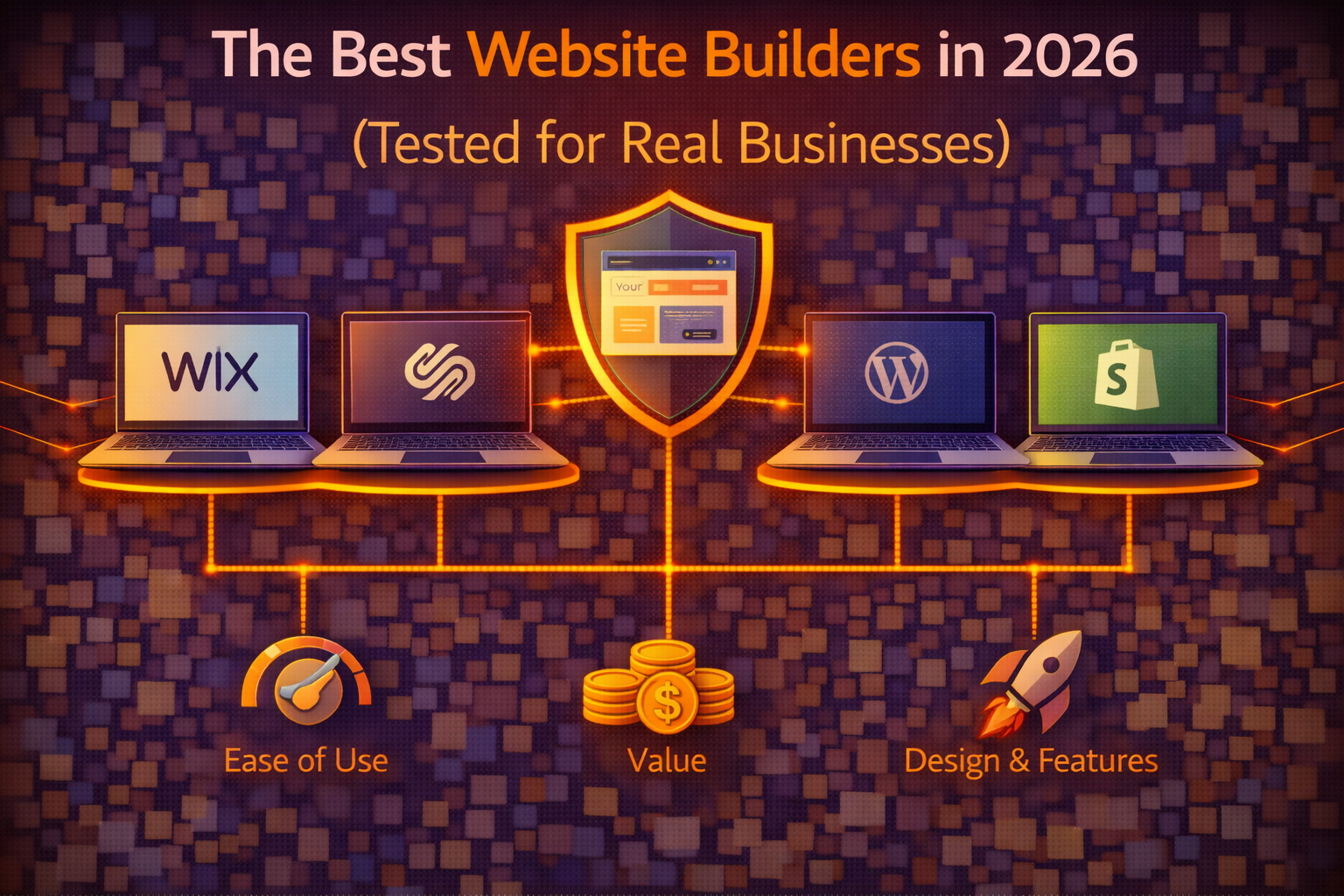
Website builders have matured significantly in the past few years to the point where the gap between what a non-developer can build with a good website builder and what required a professional developer five years ago has narrowed dramatically. The AI-assisted design features, the template quality, and the e-commerce capabilities available in 2026 through consumer-facing website builders would have been enterprise-level functionality not long ago.
That progress makes the choice between builders more consequential rather than less, because the platforms have diverged in their strengths in ways that make some clearly better for specific use cases and clearly worse for others. Choosing the wrong builder for your specific needs produces a website that’s constrained by the platform’s limitations rather than enabled by its strengths — and switching builders after you’ve built something is significantly more disruptive than choosing correctly at the start.
This guide covers the best website builders in 2026 across five use cases that represent the most common reasons people choose a builder over self-hosted WordPress — ease of getting started, design quality, e-commerce, blogging, and professional services. Each recommendation is based on what the platform actually delivers for real business use rather than what the feature list implies.
What Separates Good Website Builders From Mediocre Ones
The marketing language across website builder platforms is nearly identical — everyone claims to be the easiest, the most beautiful, and the most powerful. The differences that actually matter for business use are more specific and less prominent in the marketing.
Template quality and design flexibility determine whether your site looks like a real business or like a website built with a template. The best builders provide templates designed by professionals that look credible out of the box while allowing enough customization to reflect your specific brand. The worst builders provide templates that look visibly generic or that resist customization in ways that make every site on the platform look similar.
E-commerce capability determines whether the platform can support your business model as it grows. Entry-level e-commerce features — product listings, a shopping cart, basic payment processing — are available on most builders. The features that matter for real businesses — inventory management, shipping integrations, tax automation, abandoned cart recovery, subscription products — vary significantly between platforms and often require paid plan upgrades or third-party integrations that add cost and complexity.
SEO control determines how much visibility your site can build in search results. All website builders allow basic SEO configuration — page titles, meta descriptions, alt text. The platforms that give you meaningful SEO control go further — structured data, canonical URLs, redirect management, sitemap customization, Core Web Vitals optimization. The gap between platforms on SEO capability is larger than the marketing suggests and has real consequences for organic search visibility.
Platform lock-in is the consideration that most buyers don’t think about at signup and regret not thinking about later. Your content, your design, and your customer data exist within the platform’s ecosystem — leaving means rebuilding from scratch on the new platform rather than migrating files and a database. Understanding the lock-in implications before committing is the kind of due diligence that prevents the painful decision of whether to absorb the constraints of a wrong platform choice or absorb the disruption of switching.
Wix: Best for Ease of Use and Design Flexibility
Wix is the most versatile general-purpose website builder available in 2026, and the combination of drag-and-drop flexibility, AI-assisted design, and a template library that covers virtually every business category makes it the strongest starting point for most non-technical users who want complete design control without code.
The Wix Editor is the most flexible visual editor in the builder category — every element on the page is independently movable and resizable, which gives you pixel-level control over your layout without the constraint of working within predefined content blocks. This flexibility is a genuine strength for users who have a specific design vision they want to execute. It’s also the source of Wix’s main usability criticism — the freedom to place elements anywhere means it’s easier to create a layout that looks bad on mobile than on builders with more structured layout systems.
Wix’s AI tools have improved substantially and are now practically useful rather than impressive but unreliable. The AI site generator creates a complete site from a text description of your business — industry, style preferences, required pages — in under two minutes. The result isn’t always publishable without modification but consistently provides a better starting point than a blank template for users who aren’t sure what they want their site to look like. The AI-generated text suggestions within the editor save time on initial content while being specific enough to the business context that they require editing rather than replacement.
The App Market is Wix’s answer to WordPress’s plugin ecosystem — a marketplace of integrations and add-on features covering booking systems, live chat, email marketing, memberships, and dozens of other functional additions. The App Market doesn’t match WordPress’s plugin directory in breadth, but it covers most common business functionality needs with apps that are designed to work within the Wix environment rather than requiring configuration for compatibility.
Wix’s e-commerce functionality on their Business plans handles the requirements of most small online stores — product listings, inventory management, multiple payment methods, shipping integrations, discount codes, and abandoned cart recovery. The transaction fees that Wix previously charged on e-commerce sales have been eliminated on paid plans, which improves the cost structure for stores with significant sales volume. Larger stores with complex inventory requirements or high transaction volume are better served by Shopify, but for businesses where e-commerce is one component rather than the entire business, Wix’s e-commerce capability is sufficient.
Pricing for Wix starts at $17 per month for the Light plan and ranges to $159 per month for their Business Elite plan. The plans relevant to most business use are the Core plan at $29 per month for basic e-commerce and the Business plan at $36 per month for full e-commerce functionality. Unlike many hosting providers, Wix’s pricing is consistent rather than introductory-rate-then-renewal-rate — what you see is what you pay from month one.
Squarespace: Best for Design Quality and Creative Businesses
Squarespace occupies a specific position in the builder market — it’s the platform that produces the most consistently beautiful websites with the least design effort, and that quality is the reason it commands a loyal following among creative professionals, portfolio builders, and brands where visual presentation is central to the business identity.
The template quality at Squarespace is the highest in the builder category. Templates are designed with a coherence and sophistication that makes even an unmodified Squarespace template look more intentional than most customized templates on competing platforms. The typography is handled more carefully than on most builders — font pairing, sizing hierarchy, and spacing are considered in the default designs rather than being left as variables for the user to configure. For business owners without strong design backgrounds, this default quality means the site looks professional without requiring design decisions that non-designers struggle to make well.
The trade-off for Squarespace’s design quality is layout flexibility. Squarespace uses a section-based layout system where content is organized within predefined blocks rather than freely placed on the canvas. This produces more consistent and mobile-responsive results than Wix’s freeform editor but limits the layout creativity available to users who have specific design visions that don’t fit within the section structure. The 2024 and 2025 updates to Squarespace’s editor have increased layout flexibility meaningfully, but the fundamental constraint of working within a structured system remains.
Squarespace’s blogging platform is the strongest in the website builder category — more capable than Wix’s blogging tools and better suited to content-heavy publishing than most builders are. The editor is clean and distraction-free, the content organization tools support a serious blogging workflow, and the SEO tools for blog content are more comprehensive than Squarespace’s SEO reputation suggests. For creative professionals who want a portfolio with a serious blog — photographers, designers, writers — Squarespace handles both sides of that combination better than any competing builder.
E-commerce on Squarespace is capable for small and medium stores and is notably strong for digital products — the platform handles digital downloads, courses, and memberships with more sophistication than most builders. Physical product stores with complex inventory or high transaction volume hit Squarespace’s limitations more quickly than Shopify, but for service businesses selling packages, creative professionals selling prints or digital work, and small product businesses with manageable catalogs, Squarespace’s Commerce plans cover the requirements.
Pricing starts at $16 per month for the Personal plan and $23 per month for the Business plan. The e-commerce plans — Basic Commerce at $28 per month and Advanced Commerce at $52 per month — cover progressively more sophisticated store functionality. Squarespace’s pricing is annual-only for the discounted rate, with monthly billing available at a higher per-month cost.
Shopify: Best for E-Commerce First Businesses
Shopify’s position in this comparison is specific — it’s not a general-purpose website builder, it’s an e-commerce platform that includes website building capability. The distinction matters because Shopify is the strongest choice when selling products online is the primary purpose of the website, and a weaker choice when the store is secondary to other site functions.
The e-commerce infrastructure that Shopify provides is more sophisticated than any general-purpose website builder’s e-commerce add-on. Inventory management across multiple locations, sophisticated shipping rate calculation, tax automation for multiple jurisdictions, subscription products, wholesale pricing, and a marketplace of over 8,000 apps covering every e-commerce functionality need are available within a platform specifically engineered for online selling. The checkout experience that Shopify has optimized over years of e-commerce infrastructure development converts at rates that matter for high-volume stores.
The website building side of Shopify is adequate but not impressive by builder standards. The theme library covers common store layouts well, the drag-and-drop editor handles standard page building competently, and the blogging functionality is sufficient for content marketing. Users who want the design flexibility of Wix or the visual quality of Squarespace for their store’s marketing pages find Shopify’s website building tools limiting compared to dedicated builders.
Shopify’s pricing starts at $39 per month for the Basic plan and scales to $105 per month for the Shopify plan and $399 per month for Advanced. Transaction fees apply when not using Shopify Payments — 2% on Basic, 1% on Shopify, 0.5% on Advanced — which makes Shopify’s true cost dependent on sales volume and payment processor choice. For stores processing significant volume, the transaction fee structure makes the plan selection decision financially consequential.
Webflow: Best for Design-Focused Professionals
Webflow occupies a different position in the builder landscape than Wix, Squarespace, and Shopify — it’s a professional-grade visual development tool that produces custom websites without requiring code, positioned between consumer website builders and custom web development rather than within the consumer builder category.
The design capability of Webflow is closer to what a professional web designer using code can produce than to what consumer builders allow. CSS-level control over every visual property, responsive design tools that handle every device breakpoint explicitly rather than automatically, and animation capabilities that produce scroll-triggered interactions and micro-animations without JavaScript knowledge are the features that attract designers who want visual precision beyond what consumer builders provide.
The trade-off is the steepest learning curve in the builder category. Webflow’s interface assumes familiarity with web design concepts — the box model, CSS properties, responsive breakpoints — that consumer builders abstract away. The learning investment to use Webflow effectively is measured in days to weeks rather than hours, and users without a design background often find the interface confusing rather than empowering.
For freelance designers, agencies building client sites, and technically comfortable business owners who want a site that genuinely looks custom rather than template-based, Webflow’s capability justifies the learning curve. For everyone else, the consumer builders deliver sufficient results with significantly less friction.
The Decision Framework
Matching the right builder to your situation is more straightforward than the options make it appear once the use case is clear.
For a general business website where design flexibility and ease of use matter most, Wix is the starting point. The combination of drag-and-drop freedom, AI assistance, and the App Market covers most business website needs without requiring design expertise or technical knowledge.
For a portfolio, creative business, or brand where visual quality is central to the business identity, Squarespace produces results that look more intentional than Wix with less design effort — the right trade-off for businesses that sell on aesthetics.
For a business whose primary purpose is selling products online and whose store volume justifies the platform investment, Shopify’s e-commerce infrastructure outperforms every general-purpose builder. For smaller stores where e-commerce is one component among others, Wix’s Business plan or Squarespace’s Commerce plans handle the requirements at lower cost.
For designers and agencies producing custom websites for clients, Webflow’s precision and customization capability justifies the learning investment and the premium pricing.
The choice that’s genuinely wrong for most business use cases is choosing a website builder for a content-heavy site pursuing aggressive SEO — self-hosted WordPress on quality shared hosting remains the stronger foundation for content sites where organic search visibility is the primary growth channel, regardless of how much website builders have improved their SEO tools.
→ Related: Wix Review 2026: Still the Best Drag-and-Drop Builder or Falling Behind
→ Also worth reading: Wix vs Squarespace: Which Website Builder Is Actually Better in 2026
Building a website for a specific business type and not sure whether a website builder or self-hosted WordPress is the right foundation? Leave a comment describing your business, your technical comfort level, and what you need the site to do and we’ll give you a direct recommendation.
Leave a Reply