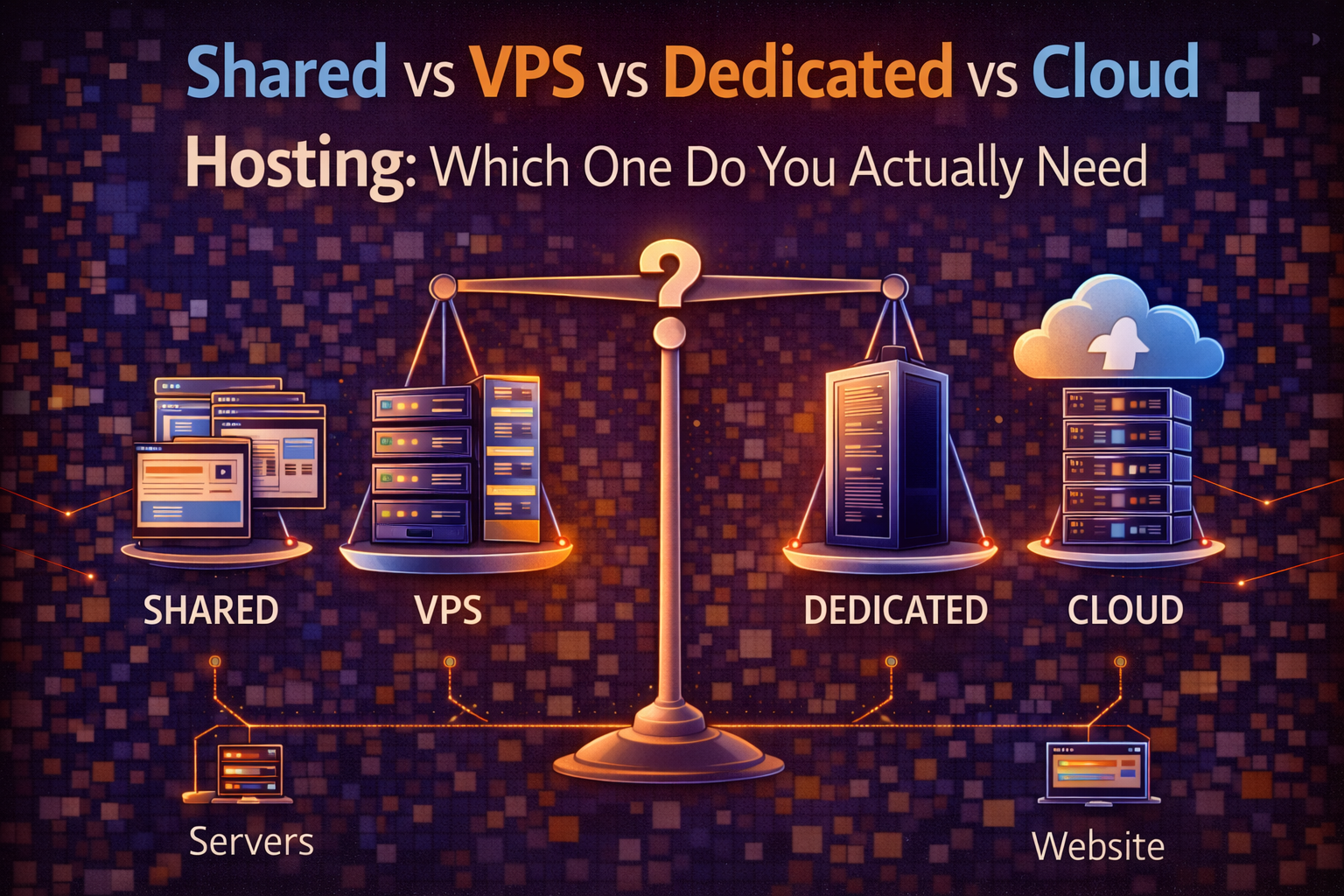
The hosting industry has a habit of making simple decisions feel complicated. Walk into any hosting provider’s pricing page and you’ll find tiers, add-ons, and technical terminology that seems designed to confuse rather than inform. The decision between shared, VPS, dedicated, and cloud hosting doesn’t need to be that complicated — each type exists for a specific set of circumstances, and matching your situation to the right type is mostly a matter of understanding what each one actually means in practice.
This post cuts through the marketing language and gives you a clear picture of what each hosting type offers, who it’s actually right for, and what the real trade-offs are between them. By the end you’ll know exactly which type fits your current situation and when it would make sense to move to something different.
Shared Hosting: The Starting Point for Most Websites
Shared hosting is exactly what the name suggests — your website shares a server with a large number of other websites. The hosting provider owns and maintains the server hardware, installs and manages the software, and divides the available resources among all the sites running on that machine. You get a portion of the server’s storage, processing power, and memory in exchange for a monthly fee that’s kept low because the infrastructure cost is split many ways.
The practical experience of shared hosting is largely invisible when things are working well. You get a control panel — usually cPanel — where you can manage your files, set up email accounts, install WordPress or other applications, and configure basic settings. The server itself runs in the background, and you never interact with it directly. For the majority of small websites, this arrangement works perfectly well and requires no technical knowledge beyond the basics of managing a website.
The limitation of shared hosting becomes relevant when your website grows or when other sites sharing your server behave badly. If a neighboring site on your server experiences a sudden traffic spike — a viral post, a product launch, a media mention — it consumes a disproportionate share of the server’s resources, and every other site on that server slows down as a result. This is the “bad neighbor effect” that shared hosting critics frequently cite, and it’s real, though good hosting providers mitigate it through resource limits and monitoring.
Shared hosting is the right choice when you’re building a new website and don’t yet know what traffic to expect, when your site is small enough that the resource limitations don’t cause performance problems, and when keeping costs minimal during the early stages matters more than maximum performance. Expect to pay between $3 and $10 per month at the introductory rate, with renewal rates typically higher — checking the renewal price before signing up is one of the most important things you can do when evaluating shared hosting plans, as the introductory discount often conceals a significantly higher long-term cost.
VPS Hosting: More Control and Consistent Performance
VPS stands for Virtual Private Server, and understanding what “virtual” means here is the key to understanding why VPS hosting is different from shared hosting in ways that matter.
A physical server running VPS hosting is divided into multiple isolated virtual machines using software called a hypervisor. Each virtual machine — each VPS — behaves like an independent server with its own operating system, its own allocated resources, and its own isolated environment. The physical hardware is still shared between multiple VPS instances, but the virtualization layer ensures that each instance gets its guaranteed allocation regardless of what the others are doing.
The practical difference from shared hosting is consistency. On a shared server, resources are pooled — in principle, any site can use more than its fair share during a quiet period, which means performance varies depending on what everyone else is doing. On a VPS, your resources are reserved for you. Your site gets the same processing power and memory whether the physical server is quiet or fully loaded, because the other VPS instances on the same hardware can’t touch your allocation.
VPS hosting also gives you root access to your virtual server, which means you can install software, configure the server environment, and customize settings in ways that shared hosting doesn’t allow. This is powerful but also means more responsibility — if you misconfigure something, you need to be able to fix it. Managed VPS hosting addresses this by having the hosting provider handle server management on your behalf, giving you the performance and isolation benefits without requiring server administration skills. Unmanaged VPS is cheaper but assumes you know what you’re doing with a Linux server.
The situations where VPS hosting makes clear sense are when your website has grown to the point where shared hosting performance is noticeably inadequate, when you’re running an application that requires specific server configuration that shared hosting doesn’t allow, when your site handles sensitive data that benefits from the isolation that VPS provides, or when consistent performance matters enough to justify the higher cost. VPS plans typically run from $20 to $80 per month depending on the resource allocation and whether management is included.
Dedicated Hosting: Maximum Performance, Maximum Cost
Dedicated hosting gives you an entire physical server. There’s no sharing, no virtualization, no neighbors — every resource on that machine is available exclusively to your website or application. The server’s full processing power, all of its memory, all of its storage, and its entire network connection are yours.
The performance ceiling of dedicated hosting is significantly higher than VPS, not just because there’s no sharing but because there’s no virtualization overhead either. Virtual machines introduce a small but measurable performance cost compared to running directly on the hardware — on a dedicated server, there’s nothing between your software and the physical machine.
The use cases that genuinely justify dedicated hosting are narrower than hosting providers’ marketing might suggest. A site handling millions of pageviews per month, an e-commerce platform processing thousands of transactions per day, a web application with strict performance requirements, or a business with compliance obligations that mandate complete control over the server environment — these are the situations where dedicated hosting’s advantages are real and meaningful. For most small and medium websites, a well-configured VPS or cloud hosting plan delivers equivalent practical performance at a fraction of the cost.
The cost of dedicated hosting starts at around $80 per month for entry-level configurations and scales to several hundred dollars per month for high-performance servers. Adding managed support — where the provider handles server administration — typically adds $50 to $100 per month on top of the hardware cost. If you’re considering dedicated hosting, it’s worth doing the calculation on whether a cloud hosting configuration would meet your needs at lower cost, since cloud infrastructure has eliminated many of the scenarios where dedicated hosting was previously the only option.
Cloud Hosting: The Modern Default for Scalable Websites
Cloud hosting is the architecture that has changed the hosting industry most significantly over the past decade, and it works differently from the other types in a way that solves problems that shared, VPS, and dedicated hosting can’t address as elegantly.
Instead of running your website on a single server — or a virtual portion of a single server — cloud hosting distributes it across a network of servers. Your files and application are replicated across multiple machines, and incoming requests are handled by whichever server in the network is best positioned to respond quickly and efficiently. If one server in the network experiences a hardware failure, your site continues running on the others without interruption. If your site experiences a sudden traffic spike, the cloud infrastructure automatically allocates additional resources to handle the load rather than letting the site slow down or go offline.
This combination of reliability and scalability is what makes cloud hosting the dominant architecture for modern websites that need to grow without planning a server migration every time traffic increases. The infrastructure scales with demand — you’re not limited by the capacity of a single machine, and you’re not paying for maximum capacity all the time when your traffic doesn’t require it.
The pricing model for cloud hosting reflects this flexibility. Traditional hosting types are priced as fixed monthly plans regardless of actual usage. Cloud hosting is often priced on actual consumption — you pay for the resources you use rather than a fixed allocation. This makes cloud hosting extremely cost-effective at low usage levels and predictably scalable as usage grows, but it also means costs can increase unexpectedly if traffic spikes without warning. Most cloud hosting providers for small and medium websites offer fixed-price plans that package cloud infrastructure into familiar monthly pricing to avoid this unpredictability.
Providers like Cloudways — which is covered in a dedicated review later in this series — sit at an interesting position in the market. They’re not infrastructure providers themselves but rather managed platforms built on top of major cloud infrastructure from AWS, Google Cloud, and DigitalOcean. They give non-technical users access to genuine cloud hosting without requiring the server administration knowledge that setting up a cloud server directly would demand.
How to Match Your Situation to the Right Type
The decision framework that makes this choice straightforward involves three variables: your current traffic level, your technical comfort, and how much you’re willing to pay for performance and reliability.
If you’re launching a new website and don’t yet know what traffic to expect, shared hosting is the rational starting point. The cost is minimal, the setup is simple, and you can migrate to a more capable option once you have a clearer picture of your actual needs. The migration process is manageable — most hosting providers offer migration assistance, and there are well-documented processes for moving WordPress sites between hosts without downtime.
If your site is established and you’re consistently hitting the limitations of shared hosting — slow load times, occasional errors during traffic spikes, resource limit warnings from your provider — VPS hosting is the natural next step. Managed VPS gives you the performance improvement without requiring server administration skills. The cost increase is real but the performance difference is typically significant enough to justify it once shared hosting is genuinely limiting you.
If you’re running a business-critical application, an e-commerce site processing significant transaction volume, or anything where downtime has a direct and measurable cost, cloud hosting’s reliability and scalability advantages make it the appropriate choice. The combination of multiple redundant servers and automatic scaling addresses the two biggest risks — hardware failure and traffic overload — that other hosting types handle less gracefully.
Dedicated hosting occupies a specific niche that most websites never reach. If your traffic levels and performance requirements genuinely exceed what a well-configured cloud or VPS solution can provide, dedicated hosting is the answer. For most businesses, that threshold is higher than they think, and the decision to move to dedicated hosting is usually driven by compliance requirements or very specific application needs rather than by traffic volume alone.
The Migration Question Nobody Asks at the Start
One of the most practical things to think about when choosing a hosting type is how easy it will be to move to something different when your needs change — because they will change. A new website that starts on shared hosting and grows to the point where VPS is necessary will need to migrate at some point, and the ease of that migration varies significantly between providers.
Some hosting providers make migration between their own hosting tiers straightforward — moving from their shared plans to their VPS plans is a managed process that they facilitate. Moving between providers is more involved but still manageable for most websites with the right guidance. The posts in this series on WordPress hosting specifically cover the migration process in detail because WordPress migrations involve database considerations that pure file migrations don’t.
The general principle is that choosing a host you’d be comfortable growing with — one that offers the next tier you’d likely need and has a track record of facilitating migrations well — is worth factoring into the initial decision, even if you’re starting at the entry level.
Starting With the Right Foundation
Choosing the right hosting type isn’t a permanent decision — it’s the right decision for where your website is right now, with a clear path to a different decision when your circumstances change. Starting on shared hosting when your site is new and migrating to VPS or cloud when growth demands it is a completely sensible strategy, and it’s how the majority of established websites arrived at their current hosting arrangement.
What matters most at the start is understanding what you’re getting and why, so that when the limitations of your current setup become apparent, you recognize them for what they are and know what the right next step looks like.
→ Related: How Much Does Web Hosting Really Cost in 2026 (No Hidden Fees Guide)
→ Also worth reading: The Best Web Hosting for Beginners in 2026 (Tested and Ranked)
Not sure which hosting type fits your specific website situation? Leave a comment describing what you’re building, your expected traffic, and your budget — we’ll give you a direct recommendation.
Leave a Reply